The page you requested does not exist. For your convenience, a search was performed using the query comments feed.
Search the Site
Find the answers, trainings, or information you’re looking for with keyword search.
File
File

Transfer Vaccines for Children 01 to Program Component 01.01 (Flu Point of Distribution Exercise) This is a step-by-step guide on how to transfer your current Vaccines for Children vaccines from program component (01) into your new Flu Point of …
File
File

Transfer Adult Vaccines 17 to Program Component 17.03 (Flu Point of Distribution Exercise) This is a step-by-step guide on how to transfer your current Adult Vaccines from program component (17) into your new Flu Point of Distribution component (17.03) in …
File
File
… then type in the additional LogTags’ serial numbers in the “comments” box. 7. When will I be able to manually enter …
File
File
… then type in the additional LogTags’ serial numbers in the “comments” box. 7. When will I be able to manually enter …
File
File
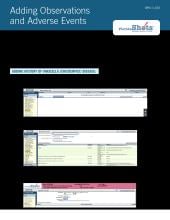
… was identified in the “Date identified” field with optional comments. Click on the “Next” button to proceed. 5. Click …
File
File
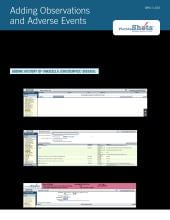
… was identified in the “Date identified” field with optional comments. Click on the “Next” button to proceed. 5. Click …
File
File
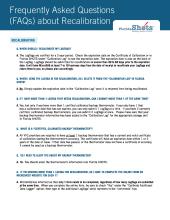
… then type in the additional LogTags’ serial numbers in the “comments” box. Q. WHEN WILL I BE ABLE TO MANUALLY ENTER …
File
File
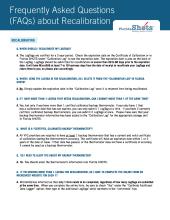
… then type in the additional LogTags’ serial numbers in the “comments” box. Q. WHEN WILL I BE ABLE TO MANUALLY ENTER …
File
File
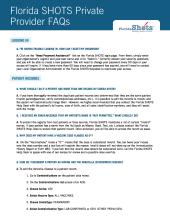
… disease in the Disease year box. 8. Other Description and Comments are optional. 9. The Date identified box will …
File
File
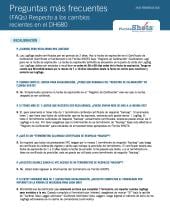
… de los LogTags adicionales en la casilla de comentarios (comments). 28 DE FEBRERO DE 2020 P. ¿CUÁNDO PODRÉ INGRESAR …